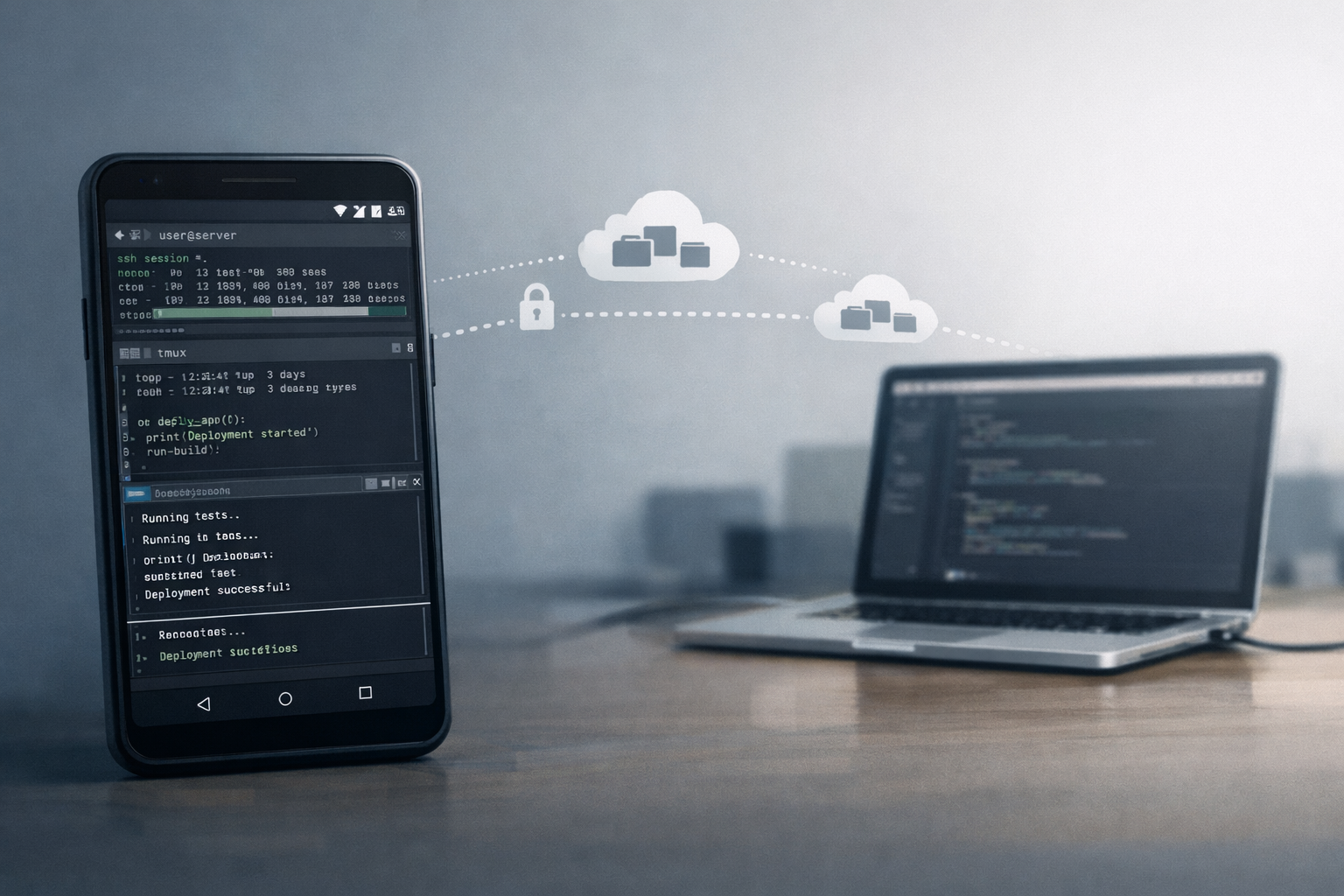
How to access website deployed on Coder on your local laptop?
- Install Coder Desktop. Approve any system permissions, login, and enable "Coder Connect" in icon in Mac's top menu bar.
- Open <WORKSPACE_NAME>.coder:<PORT>.
- Suppose if your web app is getting served at port
8000, workspace name isAmber, then you can access the remote webserver at URLAmber.coder:8000. - If you are using Django, add
Amber.codertoALLOWED_HOSTS.
- Suppose if your web app is getting served at port
That's it!